Pay for meals faster with Passport on Apple Pay
Add your Passport balance to Apple Wallet and tap to pay in-store or online, anywhere Apple Pay is accepted.
Request a demo
The benefits of Passport and Apple Pay

Fast
Tap-to-pay checkout in seconds, no app fumbling at the register

Secure
Protected by Face ID or Touch ID, plus Sharebite’s built-in account security.

Flexible
Use your Passport balance in-store, online, or in-app, wherever you eat.
How to use Passport and Apple Pay
Setup (one-time)
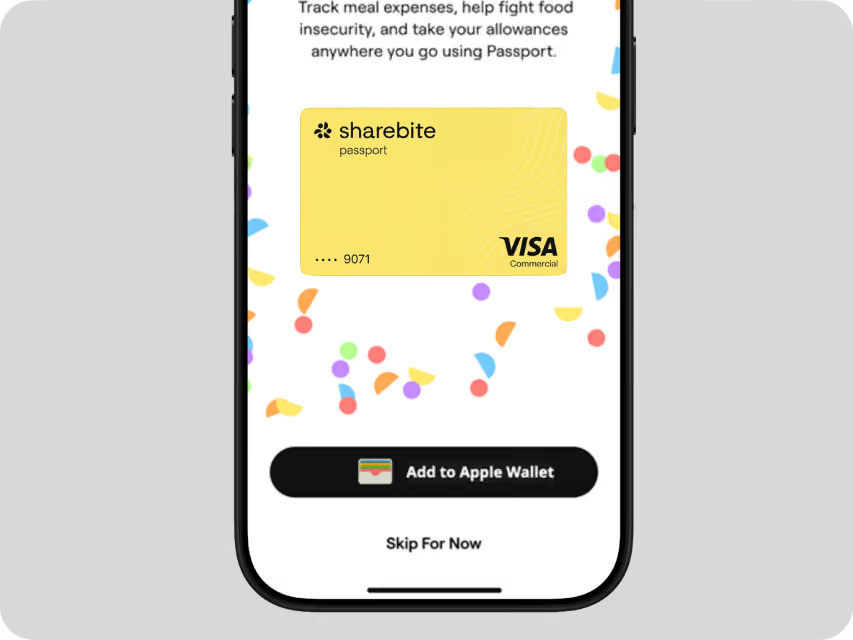
When you log in for the first time, tap the "Add to Apple Wallet" button
Accept the "Terms and Conditions" and select the device(s) you want to add the card
Verify your card via a SMS confirmation text
In-store
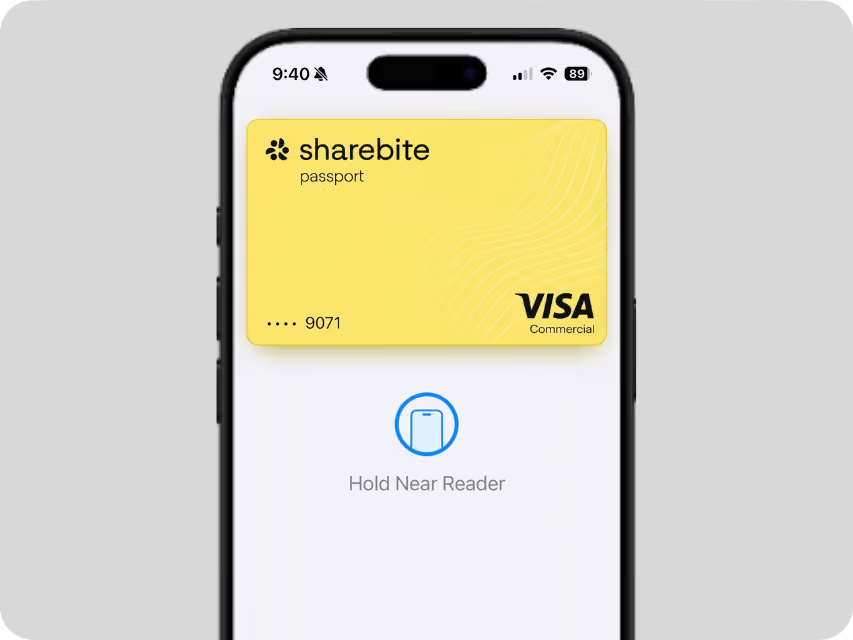
Double-click the side button on your iPhone
Select your Passport card
Hold your iPhone near the reader to pay
Online & in-app
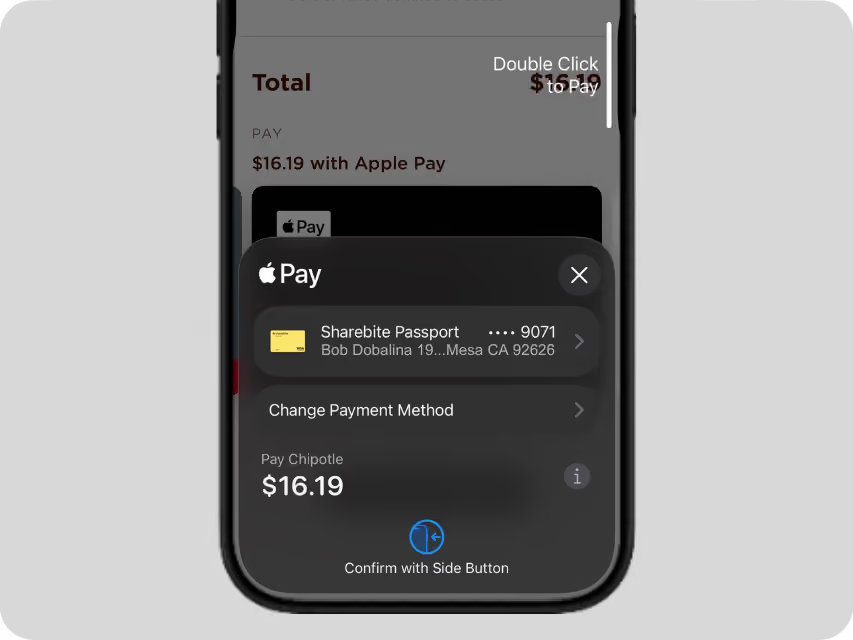
Tap the Apple Pay button at checkout
Confirm Passport is selected as the payment method
Complete purchase with Face ID, Touch ID, or passcode
meals donated and counting
Frequently asked questions
Is Apple Pay available for all Passport users, or only certain ones?
Can I use Apple Pay with Passport online, or only in-store?
What happens if my balance doesn't cover the full purchase — can I split payment with a personal card?
Is my payment information secure with Apple Pay?
Make it easier for your teams to enjoy meals wherever work takes them
Get started